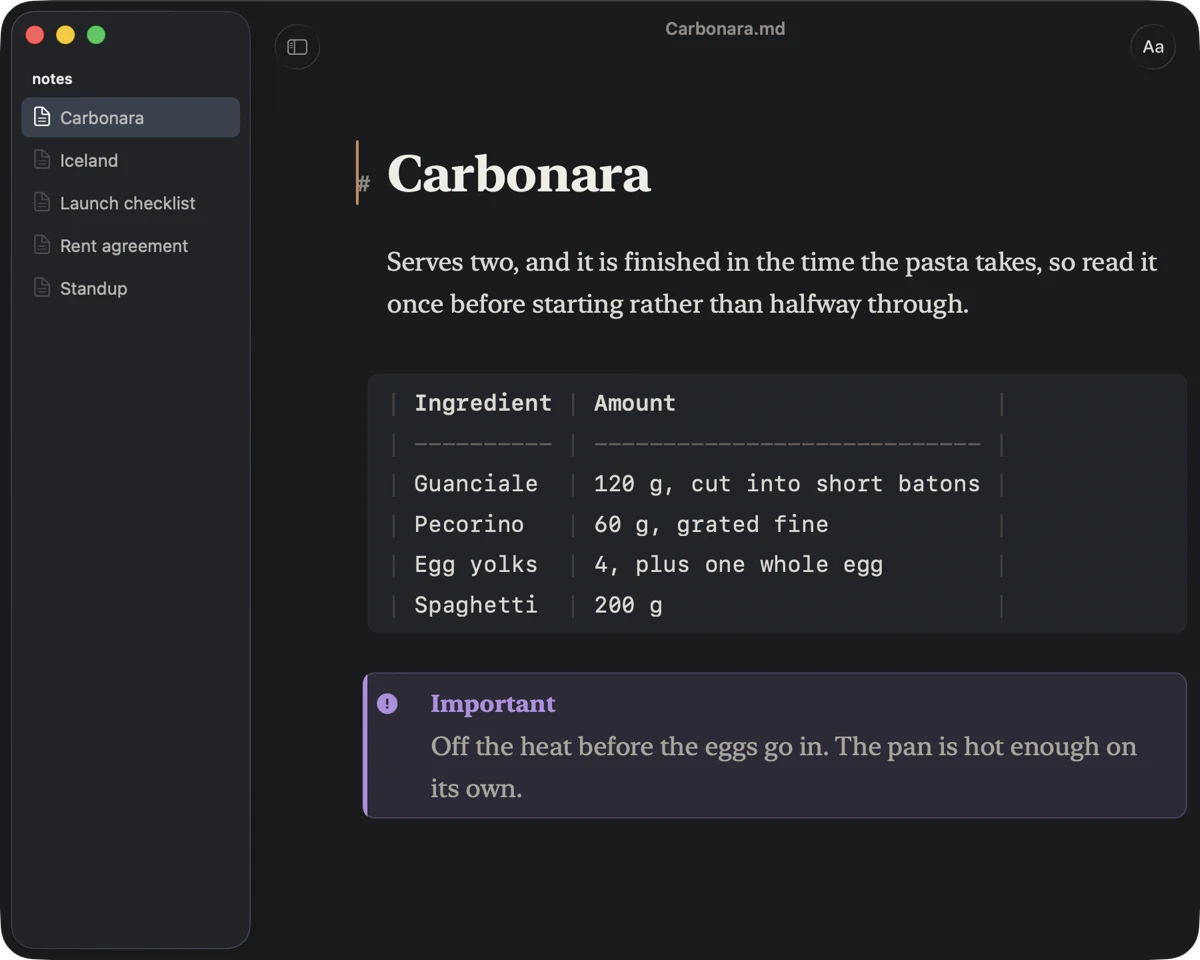
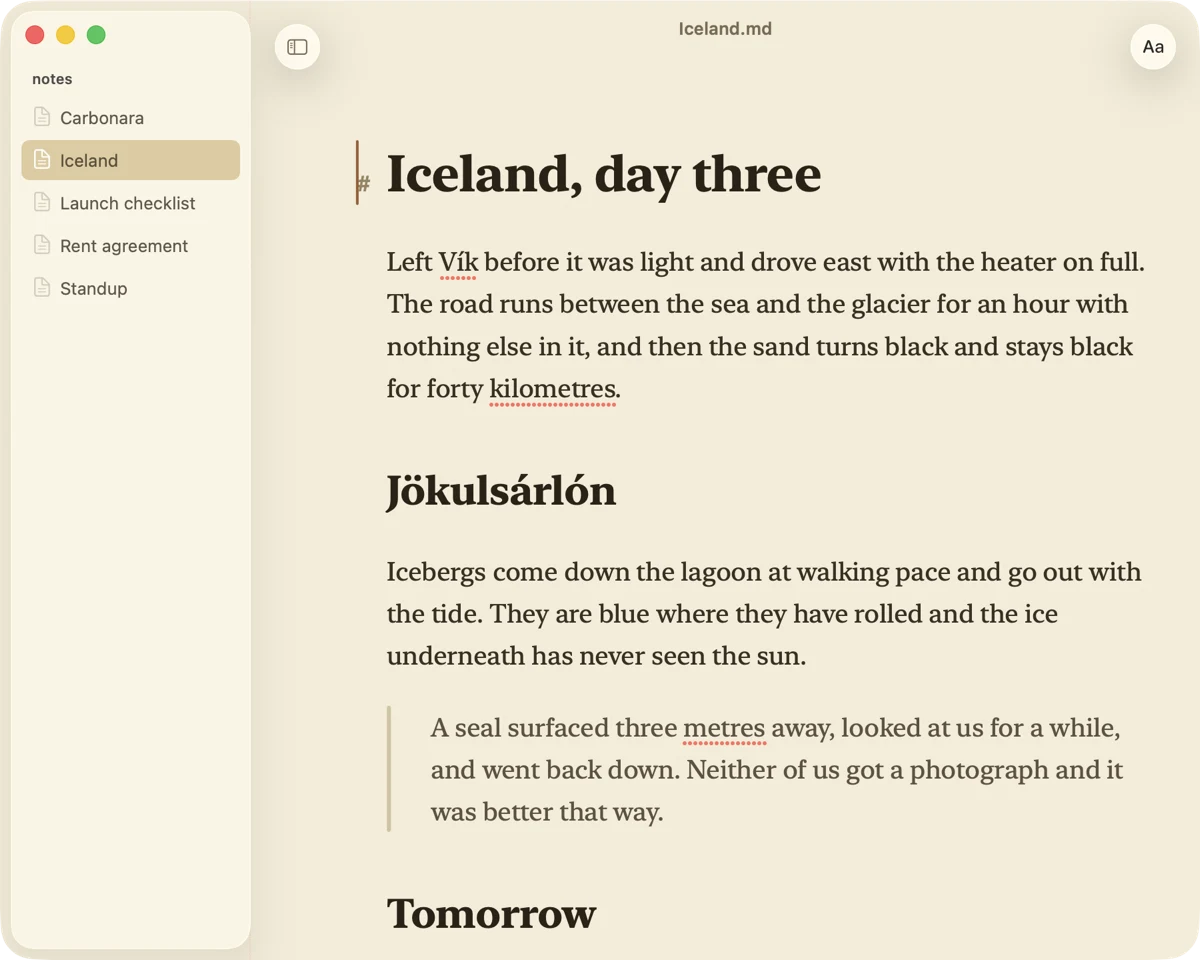
Opens faster than you can say Markdown
Kvill is a Markdown editor for the Mac, for the file you want to change one line in. Double-click to a page you can type on takes about nine hundredths of a second. There is no project to open, no workspace to restore and no index to build, because there is nothing in it that would want one.
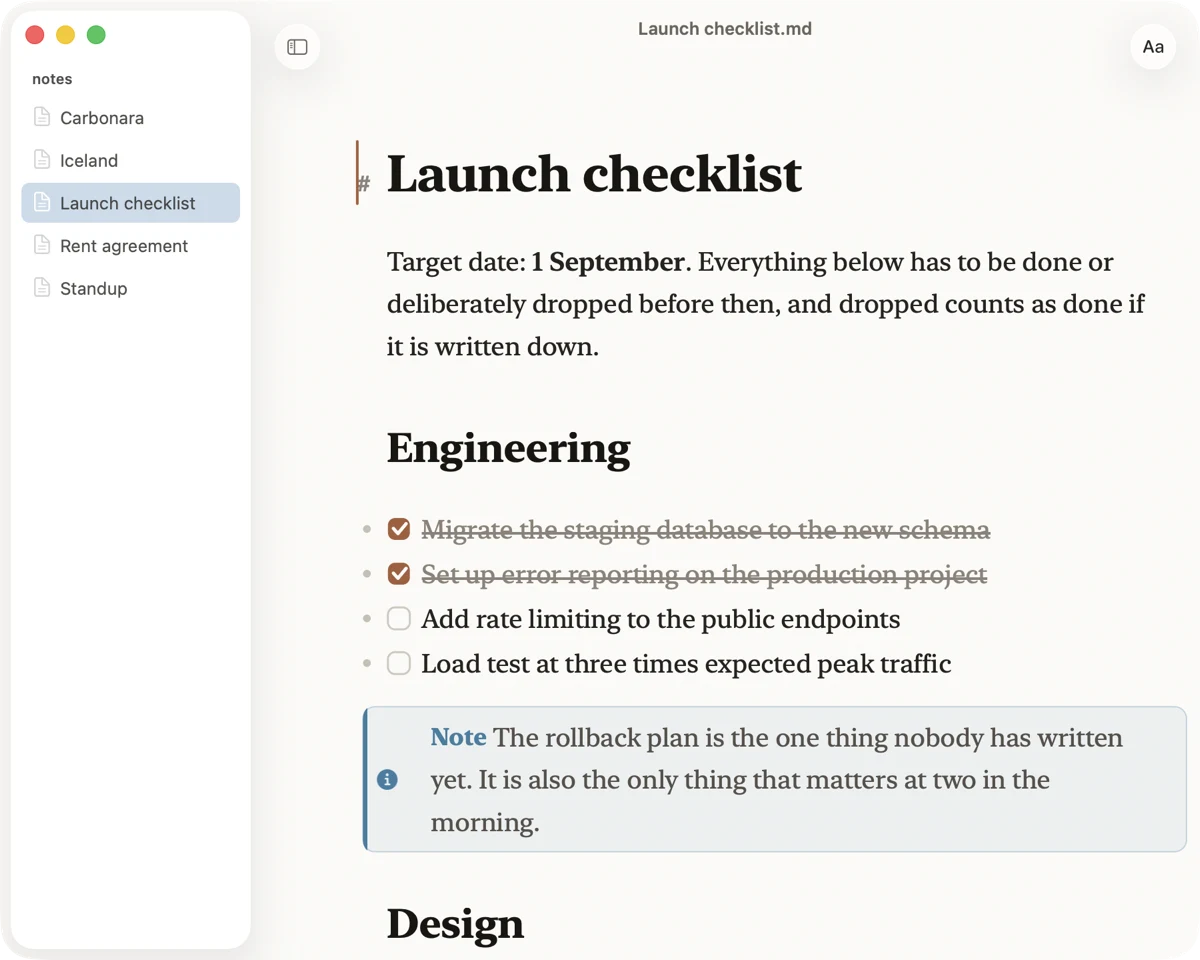
The syntax lives in the margin
Most editors make you choose: see the syntax, or see the document. A # sits out in the left margin instead, dimmed and right-aligned, so a first-level heading and a sixth-level one finish on the same column. Put the cursor on a line and its markers come back exactly as you typed them. The file is never touched.
It edits the file, not a copy of it
What you type is written to the file on disk, and anything another program writes shows up in the window with the changed words lit for a moment. Useful when an agent is editing alongside you. Prefer to decide when things are saved? Turn live mode off and Cmd S saves, Cmd R reloads, and saving over a file that changed asks first.
Two files, side by side
Drag a file from the folder list or the Finder onto the page and it opens beside what you were reading. Both halves are real editors with their own undo, so typing in one cannot reach the other's file.
Nothing leaves your machine
No account, no sign-in, no telemetry, no network access at all. Not as a setting: the entitlement that would let it reach the network is not in the app, so macOS would refuse even if it tried.